
A journal for every bed.
Dated notes and up to eight photos an entry, taken there and then or picked from your library, kept with the bed they belong to.
 CatchCropVeg garden planner for iPhone
Every sowing, planting-out and harvest date, worked out from your own frost dates. Every bed in 30 cm squares that come free when a crop is out, so a quick one fits in before the next.
Two beds free, for as long as you like. Every bed, plot and pot: £2.99 a month or £19.99 a year.
Frost dates
01
Tell CatchCrop when frosts usually stop in spring and start in autumn, or start from one of four reference climates. A garden in Cornwall and one in Aberdeenshire get different dates, as they should.
02
Pick a crop and it shows when to sow, when it goes out and when to expect a harvest, with the sum behind each one.


This week
Every planting’s dates become jobs: sow, plant out, harvest. Tick one off and it stays ticked, even if you change the planting later.
Turn reminders on and one arrives at 08:00 on the day. Leave them off and nothing ever buzzes.
Back garden · Wednesday 12 May
This week
7 due this week, 1 overdue

Radish ‘French Breakfast’
Harvest · 21 days ago
Tomato bed · Wed 21 Apr

Tomato ‘Sungold’
Plant out · Today
Tomato bed · Wed 12 May

Courgette ‘Defender’
Plant out · Today
Tomato bed · Wed 12 May

Runner bean ‘Scarlet Emperor’
Plant out · Today
Bean bed · Wed 12 May

French bean ‘Cobra’
Plant out · Today
Bean bed · Wed 12 May

Sweetcorn ‘Swift’
Plant out · Today
Allotment strip · Wed 12 May

Winter squash ‘Crown Prince’
Plant out · Today
Allotment strip · Wed 12 May

Lettuce ‘Little Gem’
Harvest · In 7 days
Tomato bed · Wed 19 May

Chilli ‘Apache’
Plant out · In 7 days
Chilli pot · Wed 19 May

Pea ‘Hurst Green Shaft’
Harvest · In 9 days
Bean bed · Fri 21 May

Leek ‘Musselburgh’
Plant out · In 35 days
Brassica bed · Wed 16 Jun

Beetroot ‘Boltardy’
Harvest · In 36 days
Root bed · Thu 17 Jun

Garlic ‘Solent Wight’
Harvest · In 36 days
Allotment strip · Thu 17 Jun

Carrot ‘Early Nantes’
Harvest · In 40 days
Root bed · Mon 21 Jun
Beds, plots and pots
01
A raised bed, an allotment strip and a patio pot are planned the same way. Drag across the squares a planting takes, and the bed says roughly how many plants fit.
02
So radishes sown in March are out in April, before the tomatoes go into the same squares in May. That’s a catch crop.


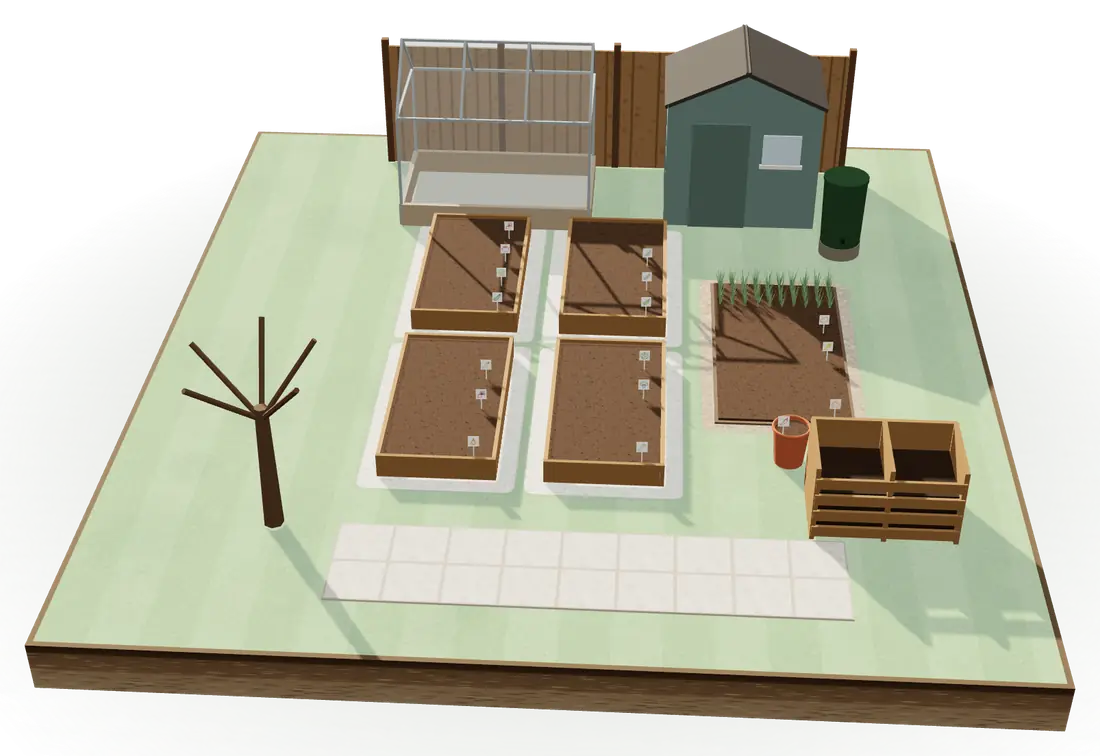
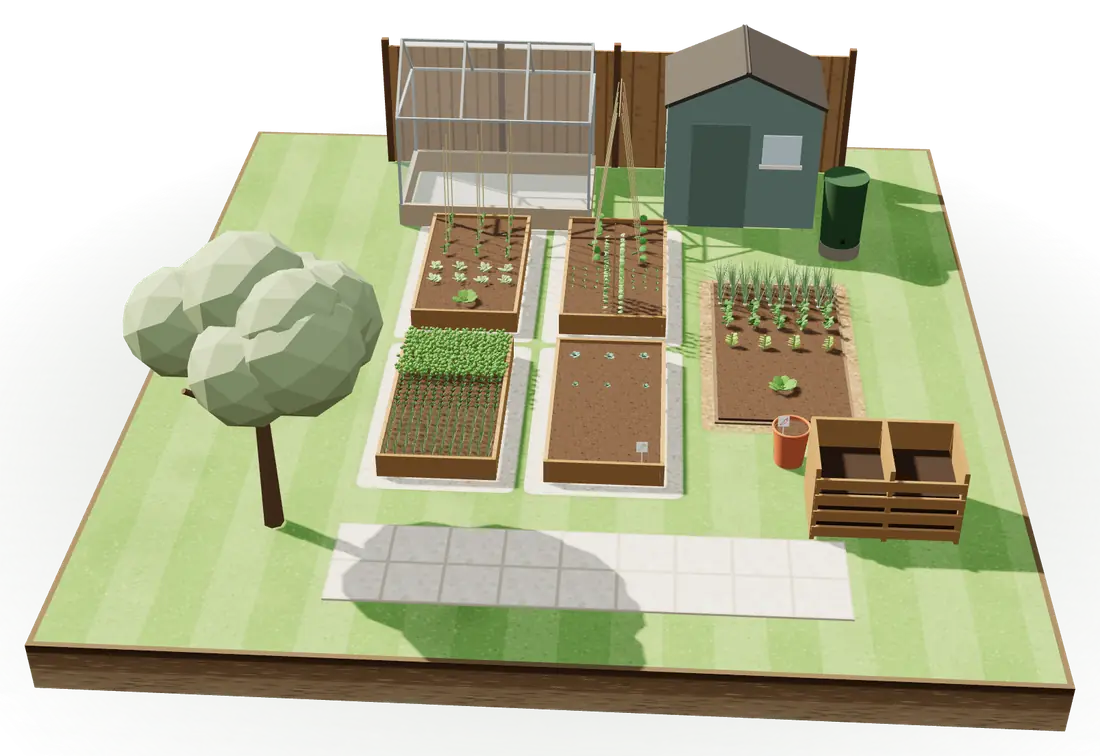
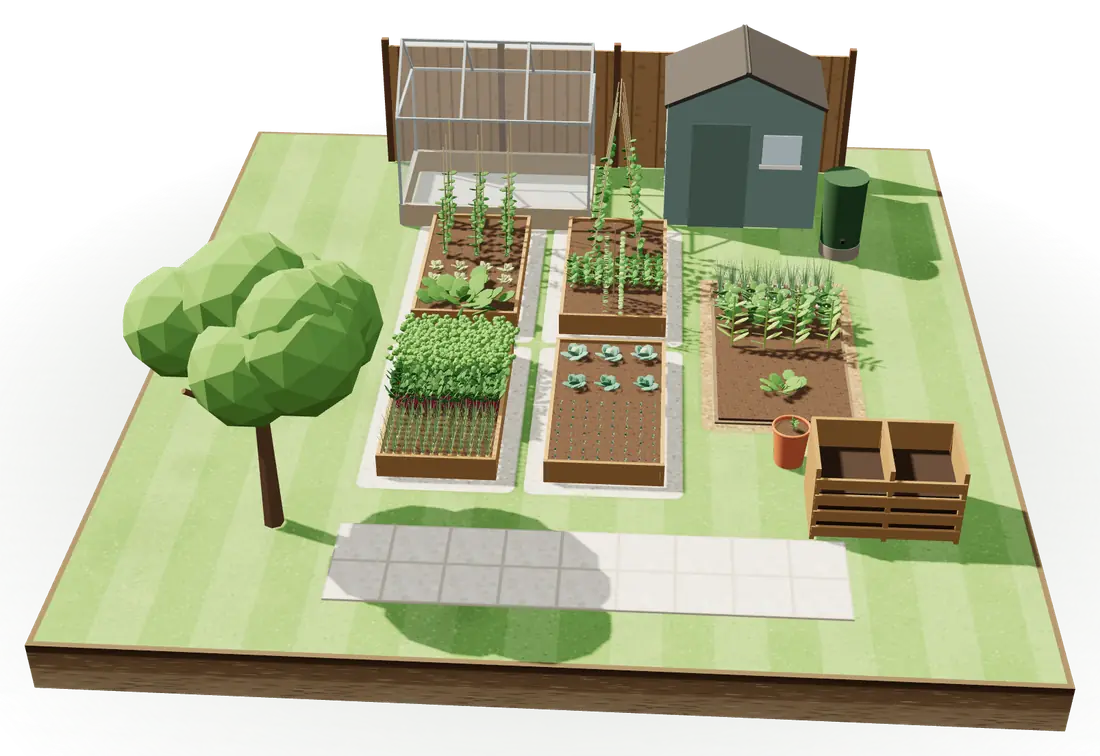
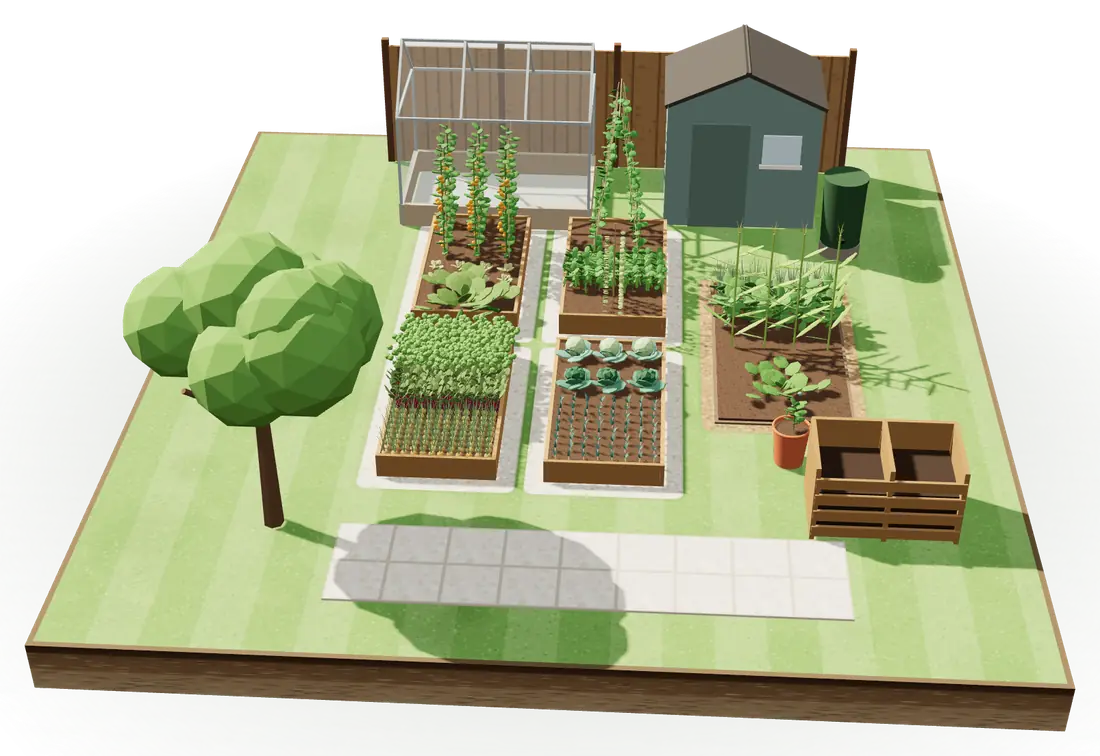
The garden in 3D
01
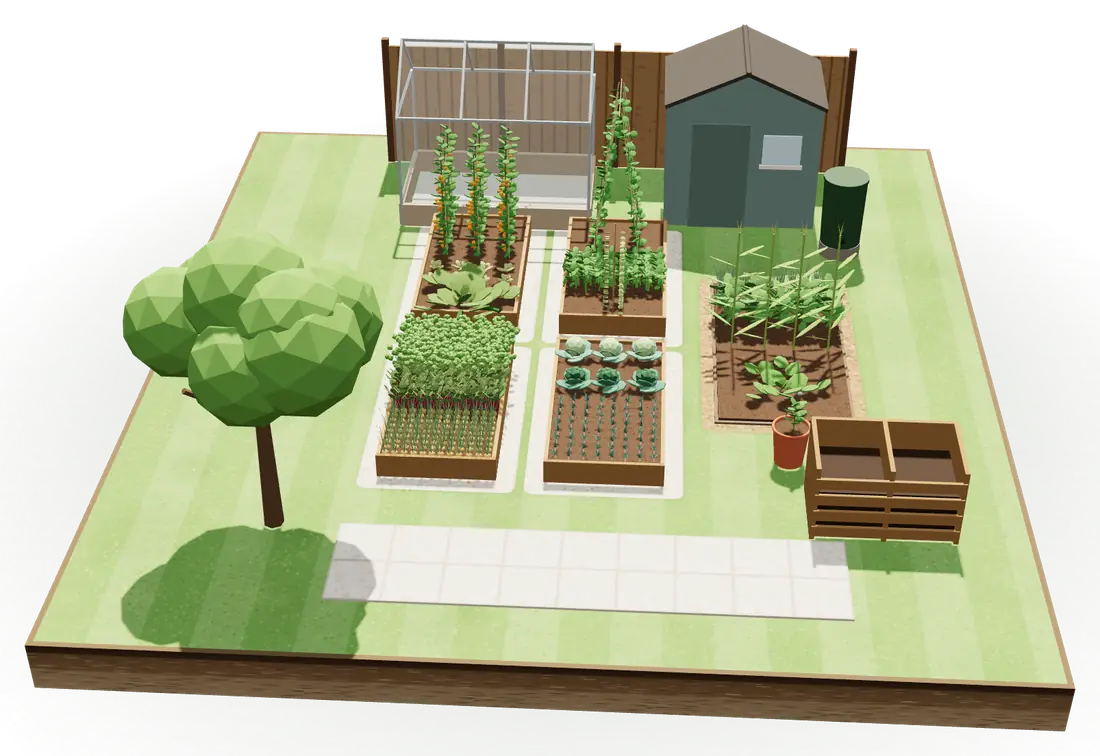
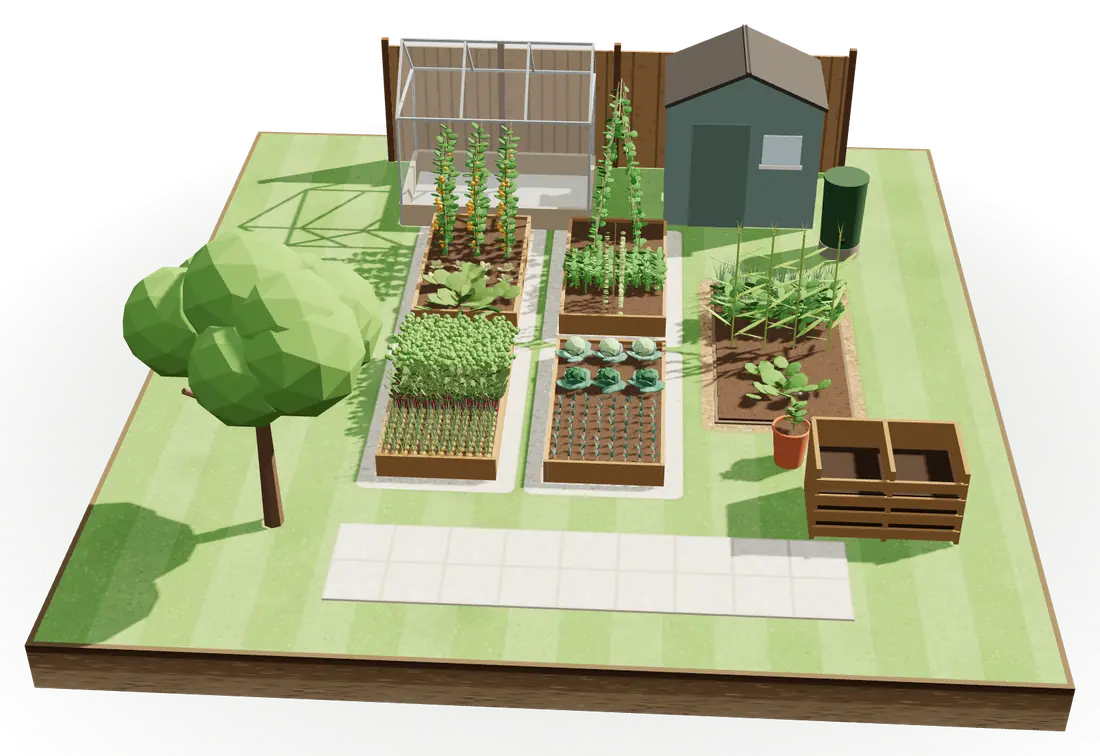
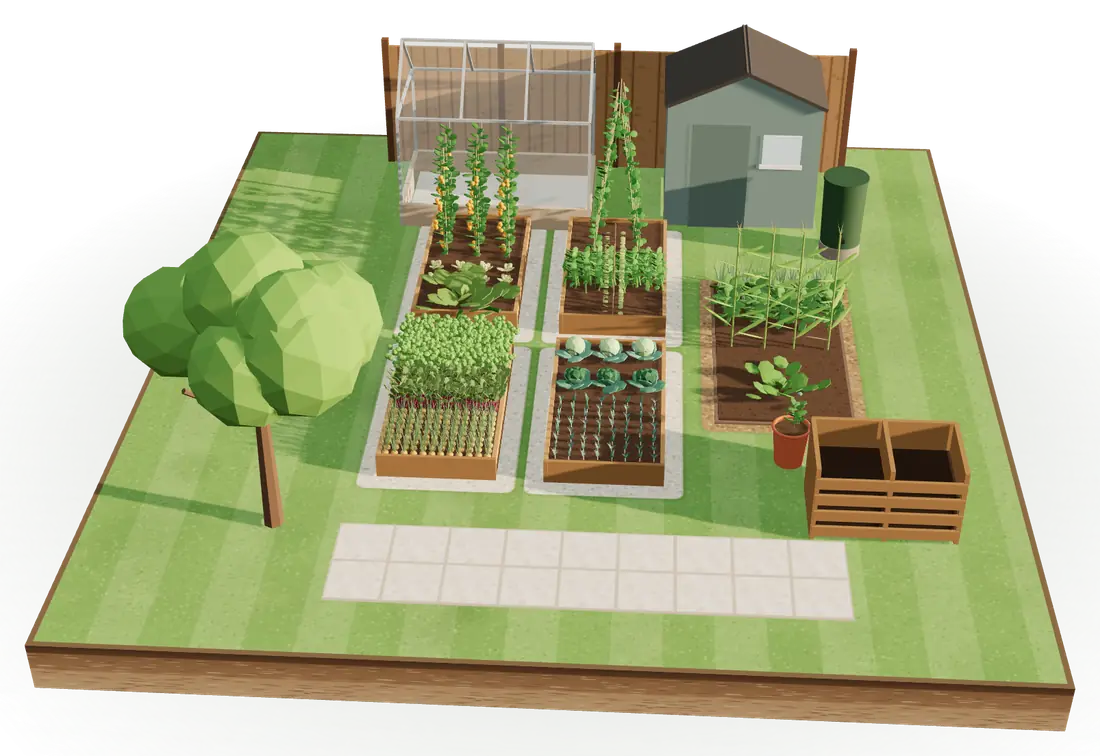
Every bed at its real size, planted with what’s in it on any day of the year, from bare soil in March to July’s full beds.
02
Move the beds to where they stand and add the shed, the fence and the trees. Their shade moves across the beds as the sun goes round.
03
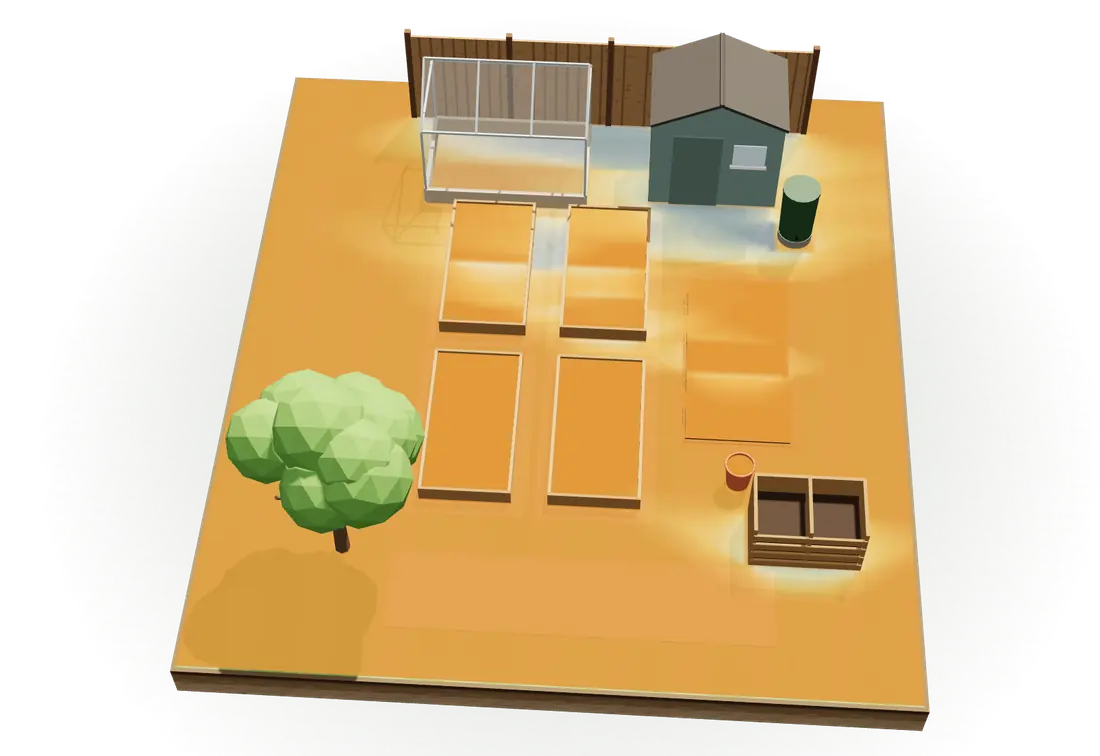
Sun adds it up: the hours of direct sun on every bed, with the shade of everything around it.
And the rest
Dated notes and up to eight photos an entry, taken there and then or picked from your library, kept with the bed they belong to.
Each with its own sowing window, spacing and time to harvest. Search by the name you’d use: courgette, broad beans, pumpkin.
Put brassicas, potatoes or tomatoes, onions, peas or beans, or carrots where their family grew in the last three years and CatchCrop tells you before you save.
The crop library holds no watering data, so CatchCrop reminds you only of what it can work out: sowing, planting out and harvest.
No account and no server of ours. Your garden lives on your iPhone and syncs through your own private iCloud.
What it costs
£0
£2.99 a month
or £19.99 a year
Questions
From your last spring frost and your first autumn frost. Each crop’s dates are so many days before or after them, so when your frost dates change, so do the dates for anything you plant next.
Yes. An allotment plot is a grid of 30 cm squares like any bed, up to 7.2 m by 18 m. A big plot is easier to plan as a few named beds.
Yes. A square is only taken while something is in the ground, so radishes or lettuce can go in ahead of the tomatoes or squash that follow in the same squares.
Neither. There’s no sign-in, the crop library is in the app and every date is worked out on your iPhone, so it all works at the plot without a signal.
Two beds are free for as long as you like. More than two needs CatchCrop Full, £2.99 a month or £19.99 a year. There’s no free trial: the two free beds are yours to try it with.
Yes. No crop’s timing is stored as a month, so a season running from October to May works the same as one from April to November. Southern Australia is one of the four reference climates.
CatchCropOn the App Store
Two beds free, for as long as you like. Every bed, plot and pot: £2.99 a month or £19.99 a year.

